

Brand Substack! 3 Easy About Page Tips You Need to Know
How to write content for your Substack About Page and promote yourself as an author.

I know, I know - not another Substack post! I get it. But some of you need some help, ok? I say that in a loving way. ❤️
I wanted to run a quick series on some Substack basics, but not because I’m some GUH RUH. I’m not.

I’m just a self-published author trying to help other self-published authors get their books in the hands of readers. And well, some of you like my posts, so I guess I’ll keep helping you. 🤣 (That’s sarcasm. I love helping you.)
Some of you don’t know how to use an About page. No shade. I didn’t know it existed either until I took a class. OH!! That’s what that’s for!
It’s really quite simple to update. Maybe you knew it was there but didn’t know what to put on it. I’m here for that too. Hello, marketing and copy are kind of my thing.
First things first. You have to find it before you fix it.
Where’s the About page?
To find your About page from your profile page, just look under your name and bio.
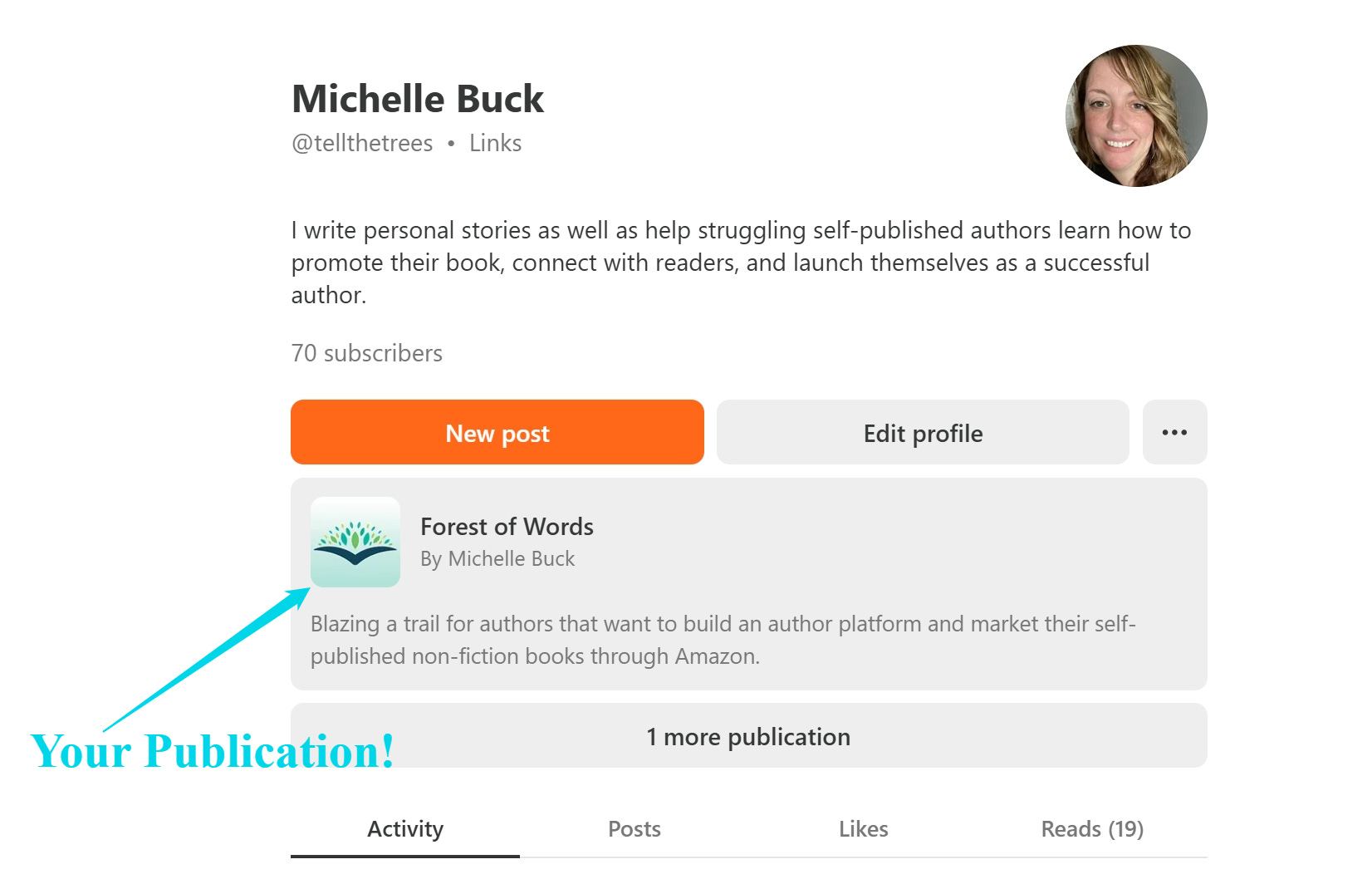
You can also click on the Dashboard button which is to the top right of the page. Then click on View Site.
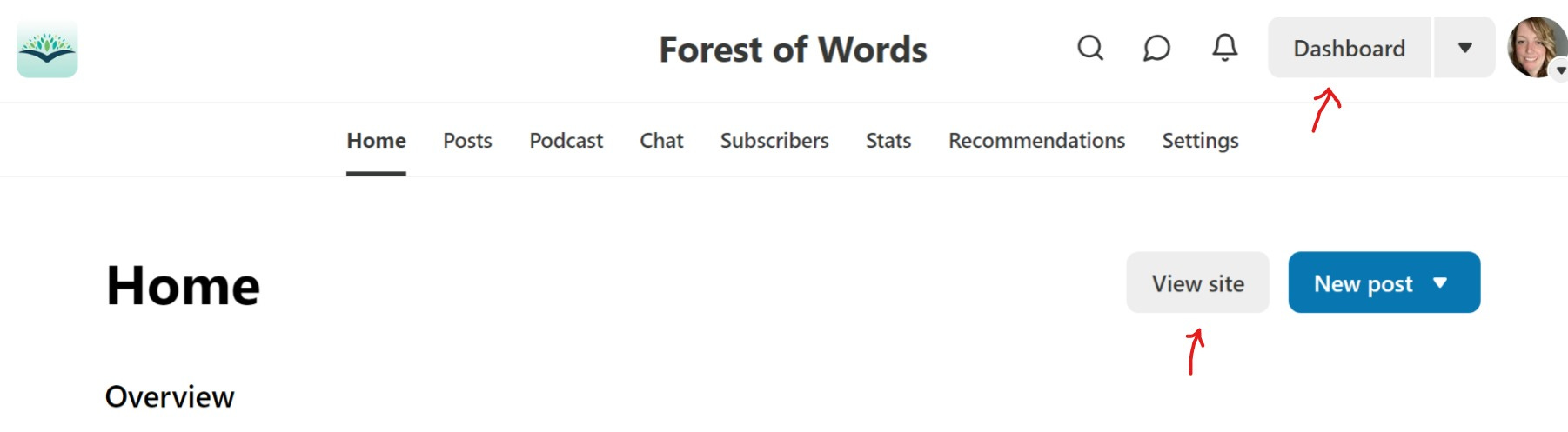
Clicking on View Site will bring you to the Home tab of your publication. If you look on the menu, the About page is also there. If you haven’t updated it, it will look like this:
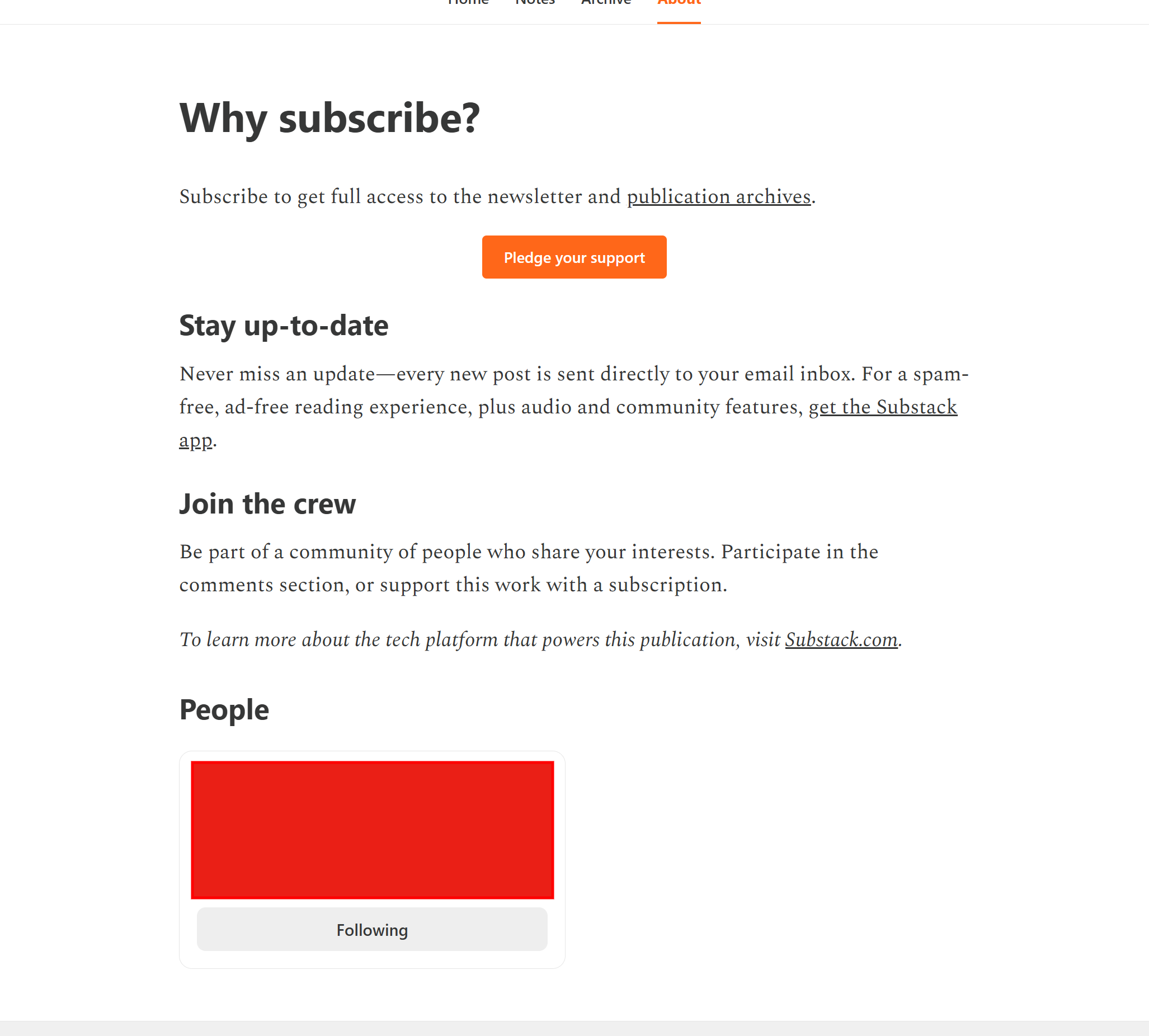
I blurred out this publication with a red box because I like to keep my subscribers and not shame them :)
But as you can see, this page is really quite boring. It’s the text Substack defaults to, so you get some basic info about the publication. If you want to update this page, which I recommend you should, then here’s where the fun comes in.
Updating Your Substack About Page
Here’s my current About page. Don’t judge too hard. I might update this soon when I feel inspired. But for now, it’s not a boring default page so I’m a step ahead and I’m ok with that.

If you want some inspiration to “copy” from (don’t plagiarize but you can get ideas from these), here are some About pages that I think are cool:
Honestly, your Substack About page is just like a website About page. You are trying to get interest and engagement. You want to “hook” in your audience and get them to subscribe or at least follow you.
About Page Marketing Tips
So, here’s my unofficial marketing tips. It’s 3 tips. Easy.
Use a clear headline that tells people exactly what your newsletter is about in one sentence. (Ok, I used two. Whatever. Break the rules - just don’t overcomplicate the thing.)
Write a few short paragraphs that answer these questions:
What topics do you cover?
How often do you publish?
Who are you?
Why are you qualified to write about this?
Add a simple sign-off and let people know what to expect. Example: Subscribe to get weekly updates on self-publishing. Use the buttons from Substack to get the reader to subscribe.
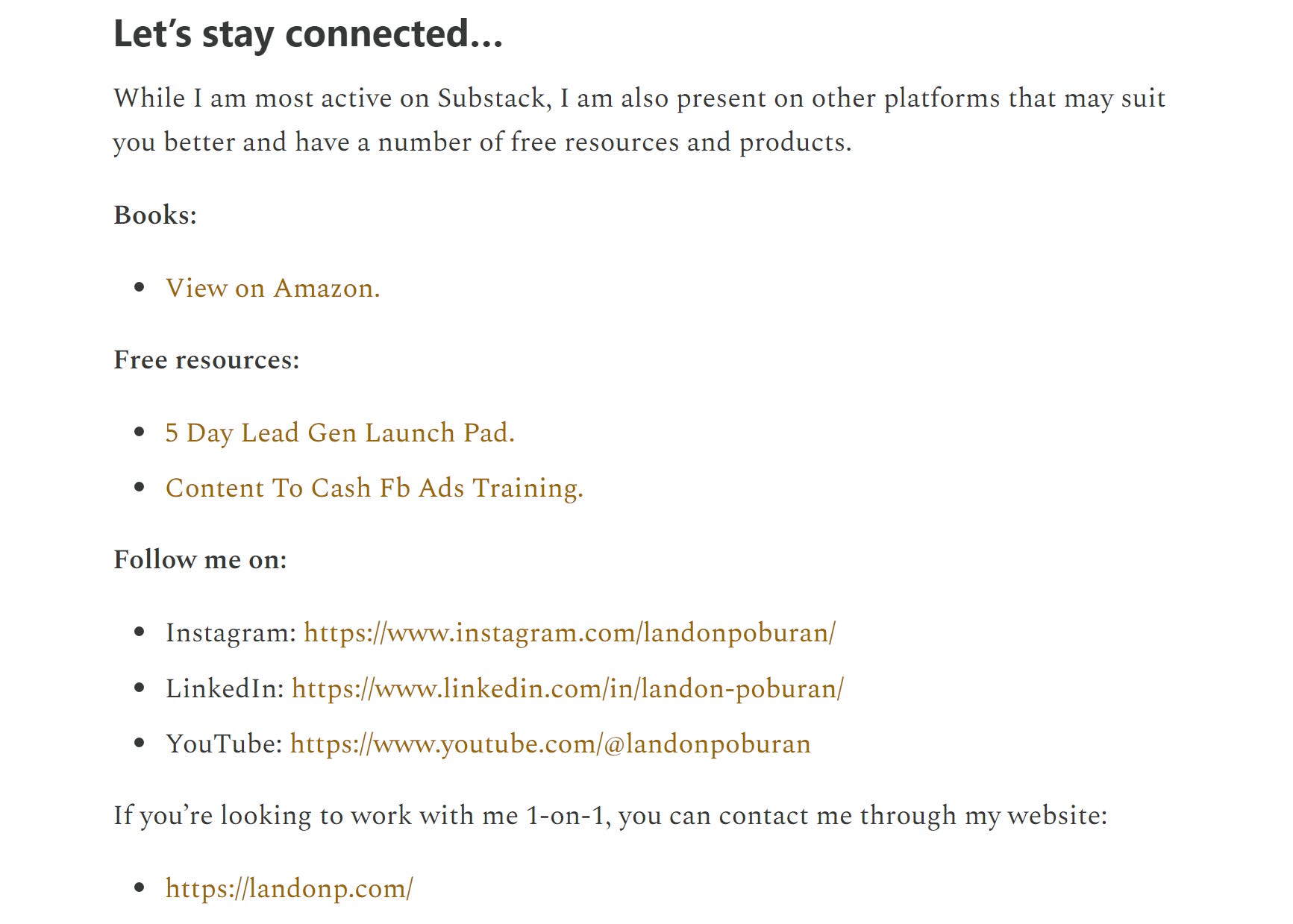
Let’s look at Landon’s page. I’m subscribed so his button isn’t going to show, but it looks like this.

Landon also has his marketing down with great call-to-action links for finding out more about him. You can include this as well, but if you want to keep things simple, you can leave it off.
But Where Do I Edit My About Page?
To edit your About page, go back to your Dashboard home tab. Then click on the Settings tab. Then from the Settings page, go to Website on the left side bar. It should look like this (minus the drunken red markup from yours truly).
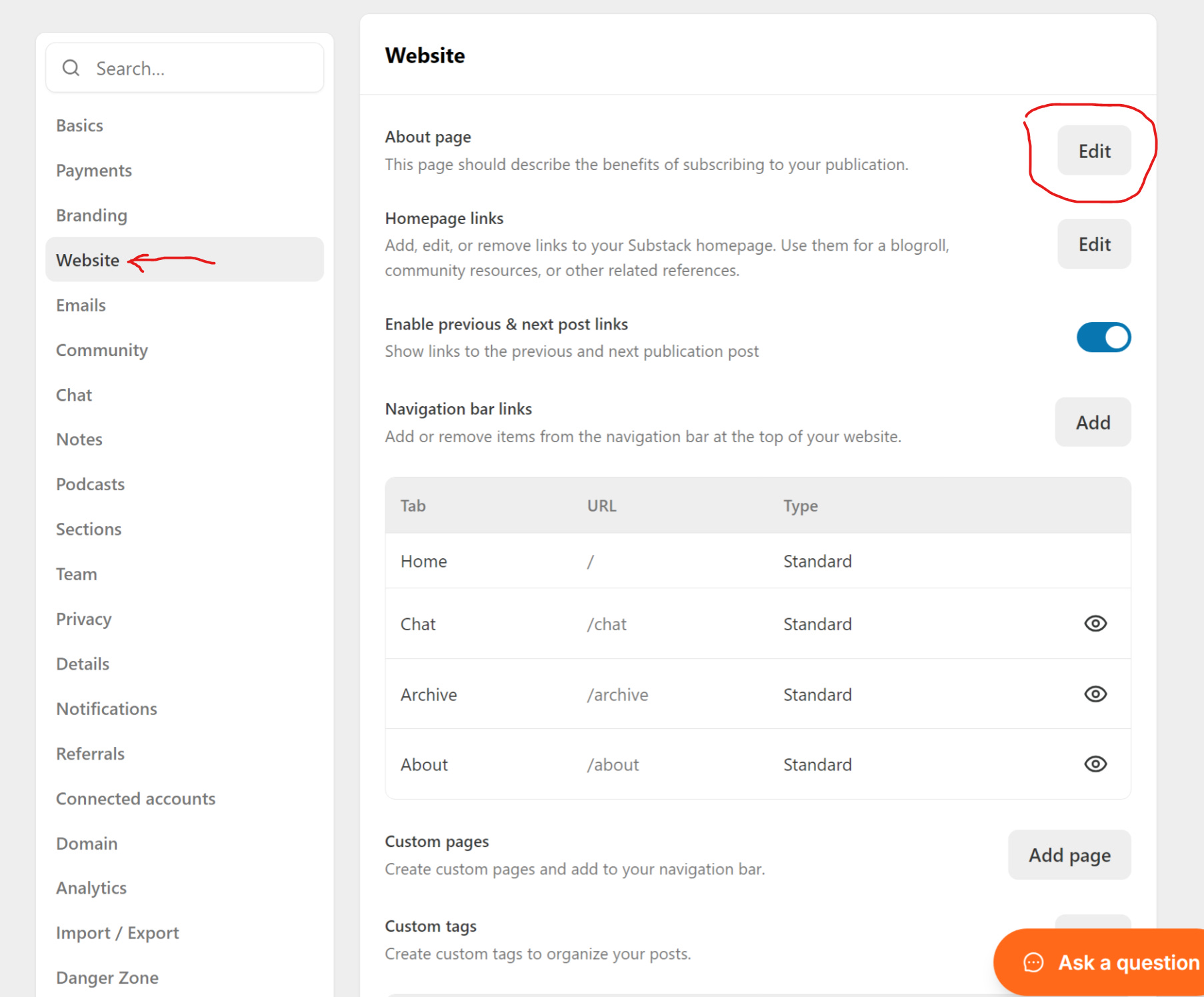
On the right side, find the About page and click on the Edit button. It’s basically like writing a post. Click SAVE when you are done.
Make sure your About page shows up in navigation bar links as well. If it’s not there, you can easily add it by clicking on the ADD button. (You can also customize pages which I haven’t done yet.)
And that’s pretty much it!
Let me know if you found this helpful. I’ll be back next week with another Substack tip that will help authors!
Watch how it’s done:
Originally published at: Tell the Trees
Thank you for sharing this. Very useful.
I'm interested in adding the upgrade to paid button to my posts, but I can't find it
Fantastic! Thank you. My page needs update 🦋🌟. I
Love your intelligent humor tone 😁. It make boring things fun, elevates the vibe… I just subscribed because I love how you explain and it feels like you are having a lot of fun while writing post. ❤️🔥